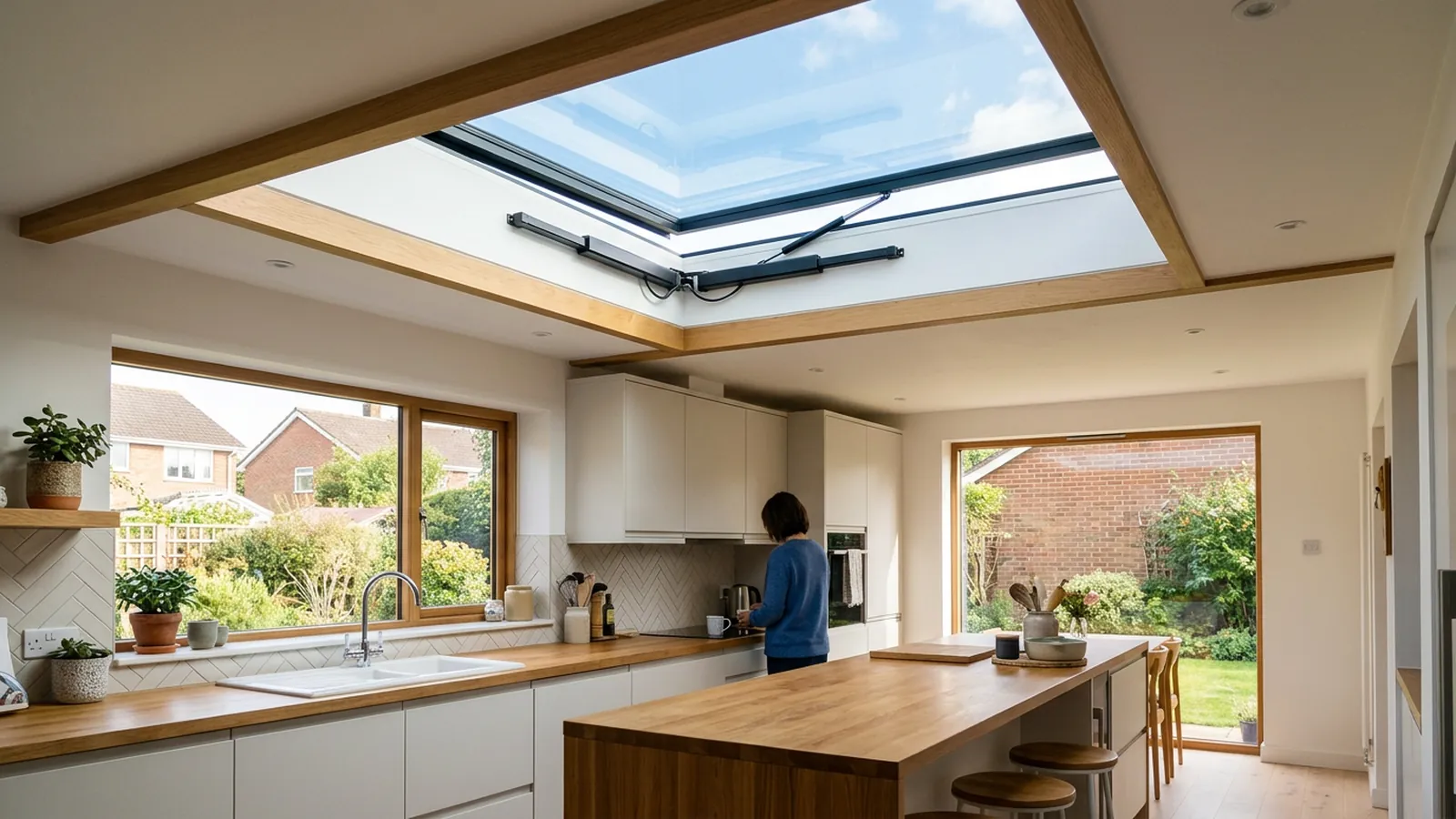
An opening rooflight earns its keep only when it gets opened. Put one high over a stairwell, or in the slope of a loft bedroom ceiling well above head height, and a wall switch by the door is already a step up from a winder pole. Connect the same window to an app, a hub or a smart home routine and it can open itself on a warm afternoon, shut before the rain arrives and stay shut while the house is empty. This guide explains what smart rooflight control involves, which parts talk to which, what is worth automating and what should never depend on the internet.
It sits alongside our main page on electric and opening rooflight installation, which covers the windows themselves. Here the subject is narrower: the layer of control on top of a motorised skylight, and how to plan it so it still behaves sensibly on the day the Wi-Fi does not.
What "smart" actually adds to a motorised window
A motorised rooflight already has everything it needs to open and close: an actuator (the motor that drives the sash, explained in what a rooflight actuator is), a control unit that tells it what to do, and a local control such as a keypad or a wired switch. That arrangement is complete on its own. Pressing a button opens the window; pressing another closes it.
Smart control adds three things to that basic loop. First, reach: you can operate the window from a phone anywhere in the house, or from outside it. Second, timing: the window can follow a schedule instead of waiting for someone to remember. Third, reaction: the window can respond to readings from sensors, whether that is rain on the glass, heat building up in a loft room or damp air after a shower. None of these replaces the local control. They sit on top of it, and a good installation keeps the local control working whatever the smart layer is doing.
How rooflights and roof windows open
- Centre-pivot sash, turns so the lower edge tips out and the top swings in, handy for cleaning from inside
- Pivot point, the hinge line across the middle of the sash
- Top-hung sash, swings outward clear of the opening for a wider view
- Top hinge, where the sash is hung from the head of the frame
- Fixed rooflight, glazing sealed to the upstand with no moving parts
- Electric opening rooflight, the glazed lid lifts from one edge for ventilation
- Motorised chain actuator, pushes the lid open and draws it closed
- Rain sensor, closes the rooflight automatically when it starts to rain
The chain from phone to motor
It helps to picture smart control as a short chain of parts, each handing an instruction to the next. When something does not respond, the fault is almost always at one link, so knowing the chain makes the system easier to live with.
| Link | What it does | Where it usually lives |
|---|---|---|
| Actuator and control unit | Moves the sash and obeys open, close and stop commands | Built into or fixed to the rooflight frame |
| Local control | Keypad, remote or wired switch that talks to the window directly | On the wall of the room, or in a drawer |
| Gateway or hub | Translates the window's own radio signal into something the home network understands | Near the router, or somewhere central on the same floor |
| App or smart home platform | Holds the schedules, scenes and automations, and shows the window's state | On your phone, with settings stored by the maker's service |
| Sensors | Feed rain, temperature, humidity or air quality readings into the automations | On the frame outside, or in the room itself |
Some makers combine links. A few roof window ranges ship with a gateway and indoor climate sensors in one kit, so the app, hub and sensors come from the same place. Others leave the window with a simple radio control and expect you to bridge it into a wider system yourself. Neither approach is wrong; the choice comes down to how much of the house you already run from one app.
Radio languages and why they matter
Most motorised roof windows do not talk Wi-Fi to the motor. They use a low-power radio protocol designed for blinds, shutters and windows, and the gateway does the translating. The protocol decides which other devices the rooflight can join up with, so it is worth knowing which one a given window uses before choosing it.
- io-homecontrol is a two-way protocol used by VELUX and Somfy among others. Two-way means the window reports back that it has actually closed, which matters for automations that depend on knowing its state.
- Zigbee and Z-Wave are general home automation protocols. Some window and actuator controllers use them, which lets the window sit on the same hub as lights and heating controls.
- KNX is a wired building control standard, more common in whole-house installations planned from the start of a build or a major renovation.
- Matter is a newer cross-brand standard intended to let devices from different makers work with the main smart home platforms. Support for windows varies by maker and changes over time.
Compatibility lists move. The honest advice is to check the maker's current list for the exact window, gateway and platform you want before buying, rather than assuming that a logo on the box covers every feature. Opening and closing may be supported through a platform while sensor readings or position reporting stay inside the maker's own app.
Schedules, scenes and automations worth setting up
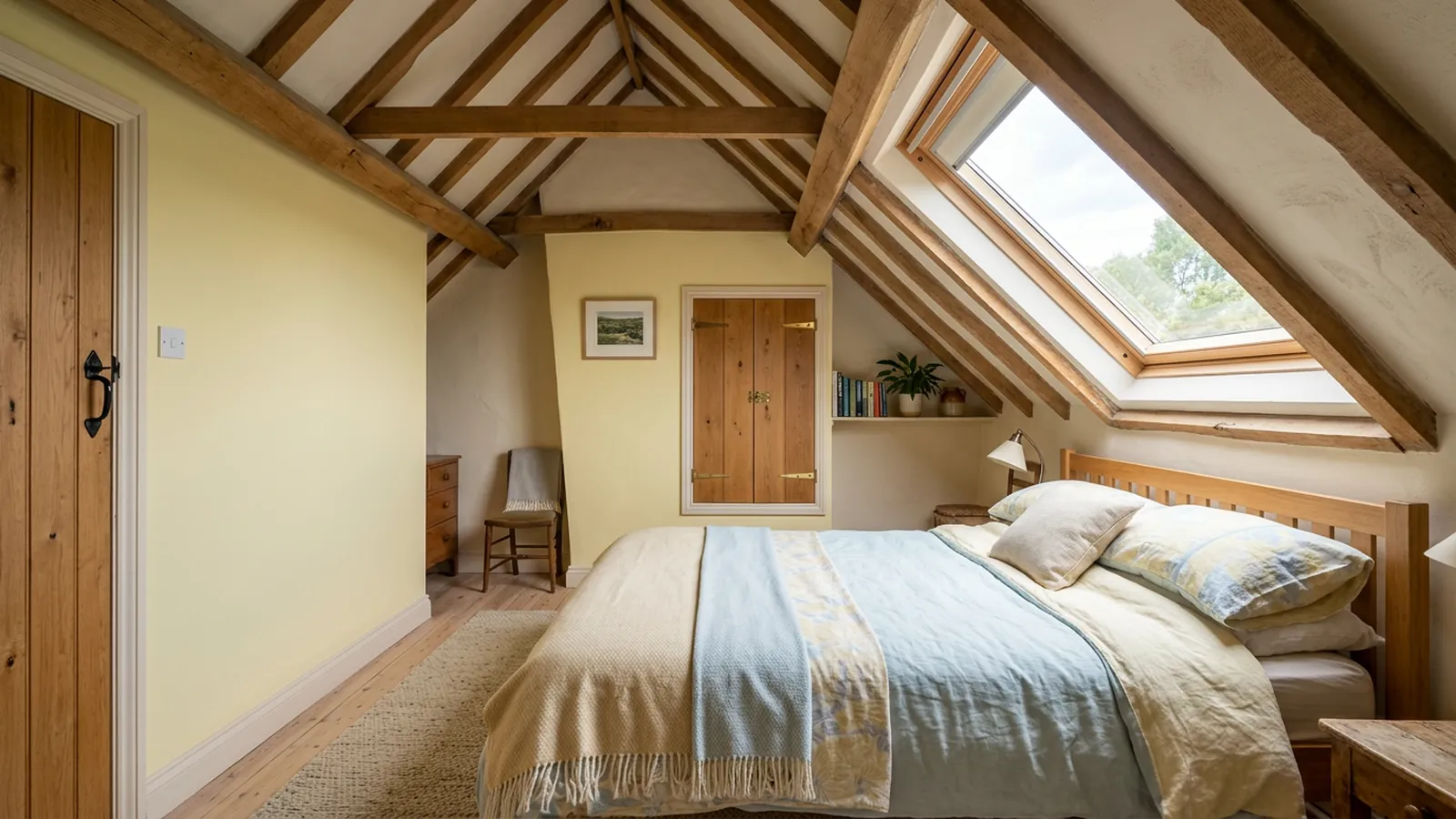
Once the window is connected, the temptation is to automate everything. The routines that pay back are the ones that match how a room is used. On a loft bedroom under a south-facing slope, or a top-floor landing in a 1970s Basingstoke townhouse where warm air collects all afternoon, a handful of rules do most of the work.
- Morning airing. Open for a short, fixed spell after everyone is up, then close. Fresh air without having to remember it.
- Heat relief. Open when the room passes a temperature you choose, close when it drops back. This works best with a sensor in the room rather than a reading from the thermostat downstairs.
- Bathroom purge. Open when humidity rises after a shower, close once it falls. A useful partner for an extractor fan in a bathroom with an opening rooflight.
- Leaving home. A single "away" scene that closes every rooflight and blind in the house at once.
- Bedtime. Close, or drop to a secure ventilation position if the window has one, before the house goes to sleep.
Keep the list short to begin with. It is easier to add a rule after a fortnight of living with the window than to untangle three automations fighting each other over whether it should be open.
Sensors: which belong on the window and which on the network
Sensors split into two groups, and the split is the most important design decision in a smart rooflight setup. Some readings are about protecting the house. Others are about comfort. They should not share the same weak points.
The rule: the rain sensor closes the skylight by itself, through the window's own control unit, with no app, hub or broadband involved. Comfort sensors for temperature, humidity and air quality can run through the smart home platform, because if they fail the worst outcome is a stuffy room, not a wet one. The exception is a system where the maker builds the climate sensors and the closing logic into the same local unit; then both can live together, provided rain still wins.
Rain detection on the frame, how it copes with dew and leaves, and where it is mounted are covered in detail in our guide to rain sensors and automatic closing. For smart control the point is simpler: an automation that opens the window for heat relief must never be able to overrule a rain close. Check that the app treats rain as the final word, and test it once after installation with a spray of water on the sensor while the window is open.
When the Wi-Fi drops, or the power does
Every connected device has a bad day. The router restarts, the broadband goes down, the maker's servers are busy, or a firmware update takes longer than it should. A well planned rooflight shrugs this off, because the local control and the rain close never needed the internet in the first place. What you lose for that spell is remote access and anything that runs in the cloud: schedules held on the maker's servers, voice commands and alerts on your phone.
A power cut is a different matter, because it stops the motor itself. Mains-powered windows stay where they are until the power returns; windows with a battery, including solar-charged ones, keep working for a while. What happens in each case, and how to close a window by hand if you need to, is set out in what happens to an electric rooflight in a power cut and whether an electric rooflight has a manual override.
Build the smart layer as a convenience on top of a window that already knows how to look after itself.
Voice control and the big platforms
Asking a speaker to open the skylight is the feature people try first and use least once the automations are set up. It still has its place: hands full on the landing, or a window in a room without a keypad. Whether a given rooflight will answer to a particular speaker depends on the gateway and the platform links the maker supports, which our short answer on smart speakers and electric rooflights deals with directly.
Two practical notes. Name each window clearly in the app ("landing rooflight", "loft east") so a voice command does not open the wrong one. And think about who can issue commands: a speaker that anyone in the house, or a visitor, can ask to open a roof window is a different proposition from a keypad on the wall.
Security, children and remote opening
Remote control cuts both ways. Being able to close every rooflight from a car park is reassuring. Being able to open one from the same car park, into an empty house, is something to switch off unless you have a real reason for it. Most apps let you restrict which actions are available away from home, and it is worth doing that on day one.
The account behind the app deserves the same care as any other: a strong password, two-step sign-in where the maker offers it, and removing access for anyone who no longer needs it. Keep the gateway's firmware up to date through the app. On the window itself, locking positions and how a closed sash resists being forced are covered in our guide to security and locking on electric rooflights.
In a family home, automations need thinking through with children in mind. A window that opens on a timer over a bunk bed or a landing where small hands can reach needs obstruction detection, sensible opening limits and ideally no automatic opening in that room at all. Our answer on whether electric rooflights are safe with children goes through the points to check.
Planning the control at the survey, not after
Smart control is far easier to get right when it is part of the specification from the start. The window choice, the power route and the position of the gateway all affect each other, and a loft room with its own quirks can make the difference between a system that responds every time and one that sulks.
- Decide what the window should do on its own. Local control, rain close and any safety limits come first, before any app is chosen.
- Pick the ecosystem. If the house already runs lights or heating on a platform, choose a window and gateway that join it; if not, the maker's own app is often the simplest route.
- Check radio reach. Loft rooms lined with foil-backed insulation board can weaken signals. A gateway placed on the landing below, or a repeater, may be needed; the survey is the time to look.
- Plan the power. Where the supply comes from and where the cable runs are covered in our guide to wiring and controls for an electric rooflight.
- Commission and test. Pair the window, set the first automations, and prove the rain close and the manual controls before anyone leaves.
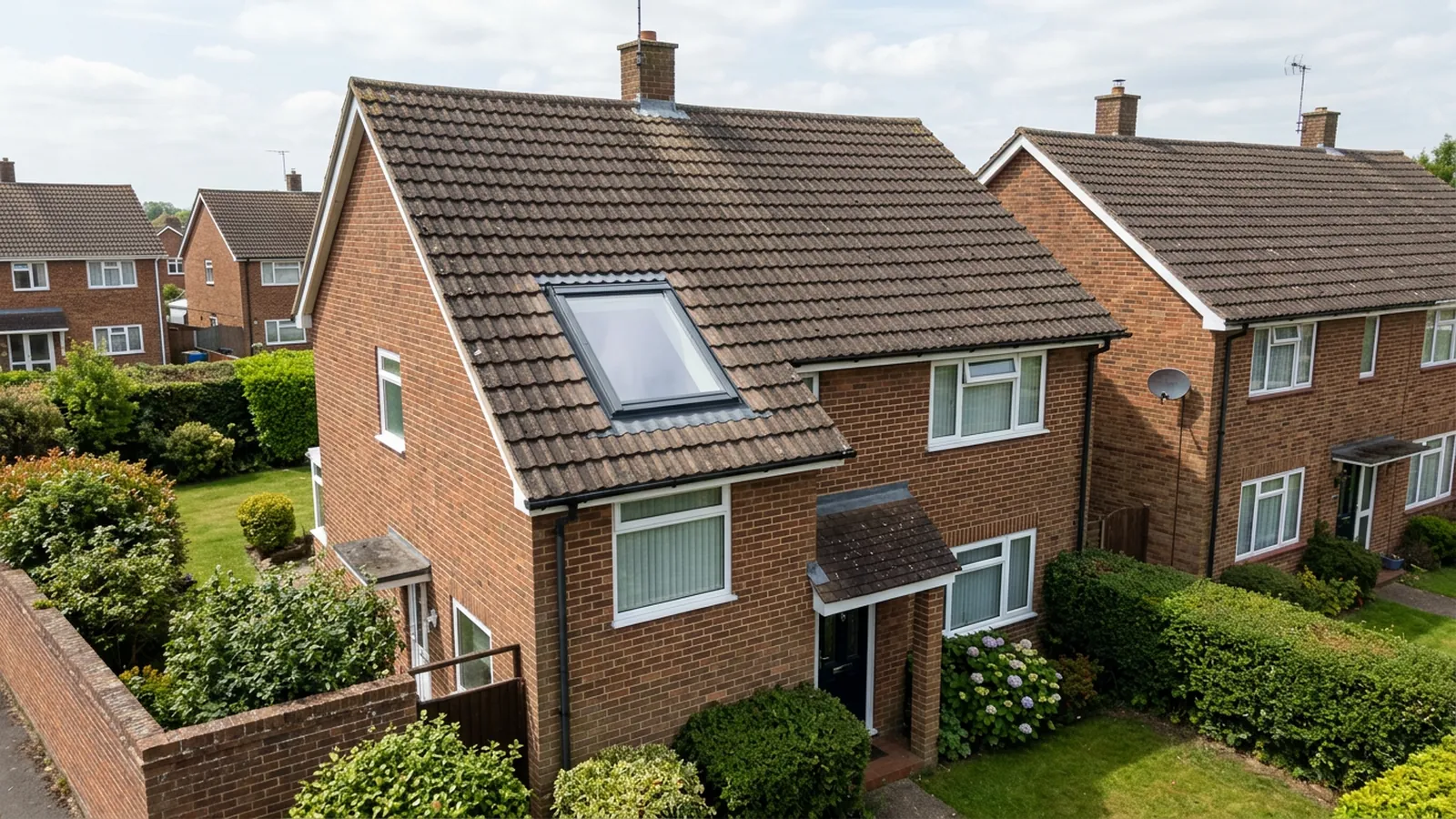
On a trussed estate roof the width of the window is decided by the gap between the trusses, and the smart layer has to work with whatever size fits. That order, roof first and gadgets second, is the same one we follow on every skylight and rooflight job around Basingstoke.
Adding app control to a rooflight you already have
If a motorised roof window is already in place with a keypad or remote, adding app control is often a matter of adding the maker's gateway and pairing it, provided the window's control unit speaks a protocol that gateway understands. Older units may not, in which case the choice is between a replacement control unit, where the maker offers one, or living without the app. A manually operated sash is a bigger step: it needs a motor kit, power and a control unit first, and our guide to choosing between a manual winder, pole or motor covers that decision.
Whichever way you come at it, the useful first step is to find the model details on the window's data plate, usually visible on the frame when the sash is open. That tells you, and us, what the control unit can talk to.
Getting it specified for your house
If you want a rooflight that looks after itself, tell us at the survey which rooms you want it in, what platform the house already uses, and which routines you have in mind. We measure the roof, check where the power and the gateway can go, and put it all in a written quote. The fitting carries a 10-year workmanship guarantee. When you are ready, arrange a survey of your roof and we will plan the control alongside the window. The wider choice of opening windows is on the electric rooflight service page.